Most junior golfers send a coach too much or too little. A long list of every trophy since age ten buries the useful numbers, and a short note that says “I’m interested in your program” gives the coach nothing to evaluate. A one-page golf resume for college coaches fixes both problems by putting the facts a coach needs in a predictable order.
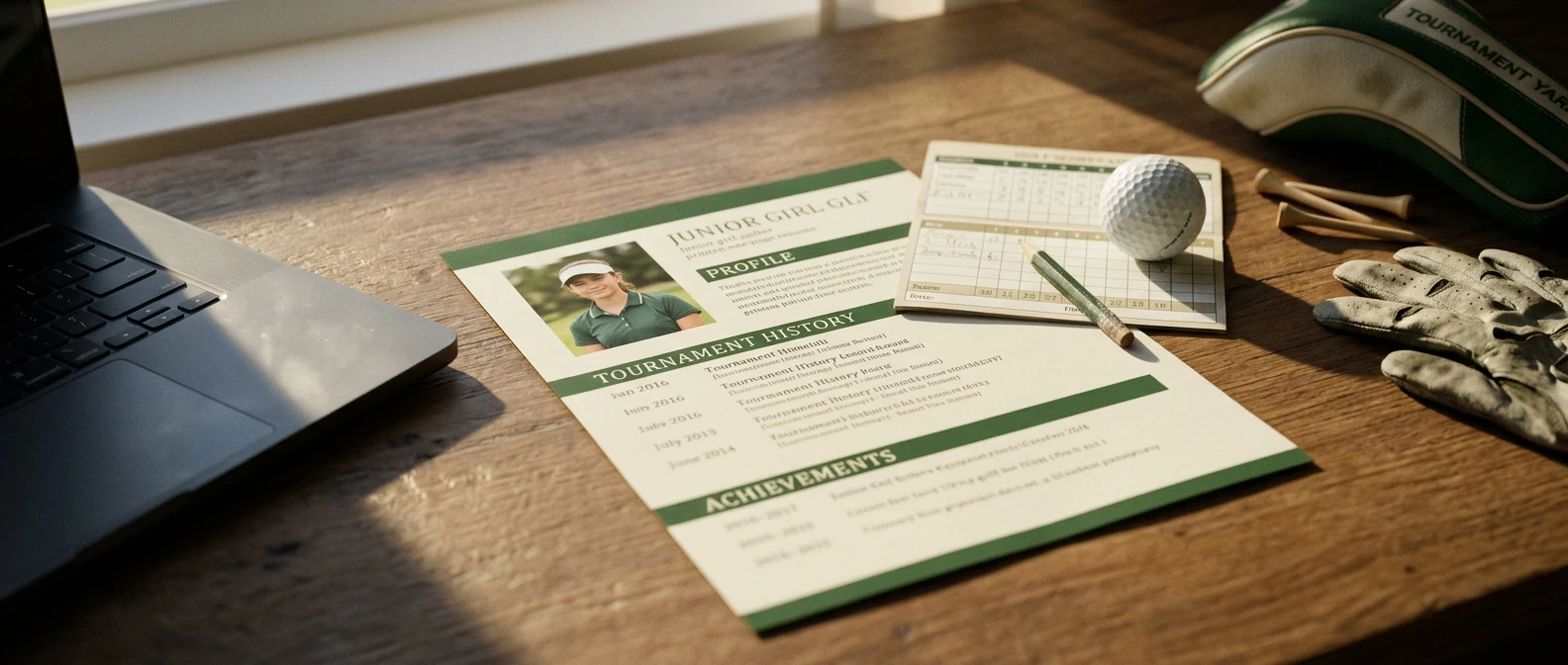
This guide stays on the document itself. It goes section by section through what belongs on the page, how to word each line, and what to cut. For the wider recruiting process, there is a link near the end.
What a coach is looking for when they open your resume
A coach opening a resume is trying to answer a few questions in roughly this order: Is this player in my recruiting class? Does her scoring put her in range for my lineup? Does her competition level make those scores believable? Will she get through admissions? Can I watch her swing?
Your resume should answer those questions without making the coach hunt. That determines the layout:
- Header with graduation year and contact details
- Scoring summary
- Tournament results
- Academics
- Video link, rankings and references
Anything that does not help answer one of those questions is a candidate for deletion. A coach comparing many players will compare the same fields across resumes, so a resume with those fields in a clear place is easier to judge, and an easy-to-judge resume gets read more carefully.
The header: contact details, graduation year and the basics that get skipped
The header is small, but missing pieces here cause the most avoidable friction. A coach who cannot tell your class year or reach you directly will move on to the next resume.
Include these items at the top, in compact form:
- Full name, as it appears on your tournament entries and school records
- Graduation year, written as “Class of 2028” and placed right next to your name
- City and state, plus your high school
- Your own email address and a phone number
- Handedness, and height if you want to include it
- Your junior team, club or swing coach, if one applies
Use an email address built from your name. An address tied to a nickname or a hobby looks out of place in a recruiting email, and a coach will see it every time you reply.
The graduation year is the item most often skipped or buried. Coaches recruit by class, so it tells them immediately whether you are someone they can consider now. Put it in the first line.
Parents often ask whether their contact information belongs on the page. A short “Parent contact” line is fine as a backup, but the player’s own email should come first. Rules about when and how coaches may reach out to prospects are set by the NCAA and vary by division and over time, so check the current guidelines on the NCAA website rather than relying on what another family remembers.
Putting your scoring up front: stroke average, rounds counted and course ratings in context
Scoring goes directly under the header because it is the first thing a coach uses to place you. A bare number is hard to interpret, so give every number its context.
A weak line looks like this:
Scoring average: 76
A strong line tells the coach what the number is made of:
2026 stroke average: 75.8 over 22 competitive 18-hole rounds (relative to par: +3.8)
The second version states the season, the number of rounds, that they were competitive rounds, and the score against par. Those four details let a coach trust the figure. A 76 from six rounds on one course tells a different story from a 76 across two dozen rounds on varied courses. The numbers above are an example of the format, so replace them with your own verified scores.

Under the average, add a few supporting lines:
- Low round: the score, the course and the event, for example “68 (-4), event name, course name”
- Course context: yardage and, where you have them, the course rating and slope of the tees you played
- Tournament-only average: if your practice or casual rounds are in your overall number, split them out, because coaches care most about scores in a competitive field
Course rating and slope matter because the same score means different things on different courses. A 74 on a long, difficult course with a high rating is a stronger result than a 74 on a short, easy one. You do not need a full table, just enough detail that a coach can see a 72 was not a 72 on a shortened layout.
Use only numbers you can back up with official scoreboards or tournament results. Coaches check, and a number that does not match the published results costs you credibility on everything else on the page.
How to list tournaments so results are easy to compare
Tournament results are where resumes become hard to read. Many players write them as paragraphs or as a long bulleted list with inconsistent details. A table solves this, because every event gets the same fields in the same columns.
Use these columns: date, event, level or tour, field size, finish, and score to par (or total score with the number of rounds). Here is an example of the format, using placeholder event names rather than real results:
Date Event Level Field Finish Score Oct 2026 State Association Championship State 72 T4 218 (+2), 3 rounds Aug 2026 Regional Junior Open Regional 96 9 149 (+5), 2 rounds Jun 2026 National Junior Qualifier National qualifier 54 T12 154 (+10), 2 rounds
A few choices make the table work harder:
- Most recent first. Coaches want current form, not what you shot as a freshman.
- Include field size. “T4” means little alone. “T4 in a field of 72” means a lot.
- Name the level. Local, state, regional and national events are not equal, and the label lets a coach weigh them without looking each one up.
- Pick the best six to ten. Choose the events where the competition was strongest, not every event you entered. Add a line that says full results are available on request.
- Be consistent about score format. Pick either total strokes or score to par, and use it everywhere. Mixing them forces the coach to do arithmetic.
If one result was a clear standout, such as a win, a top finish against a strong field, or a team title, you can bold it. Use that sparingly, and only once or twice. Bold on everything highlights nothing.
Academics and the details coaches check next: GPA, test scores and eligibility basics
A coach cannot recruit a player who will not be admitted or will not be academically eligible, so academics get their own section directly below tournaments. Keep it to a few lines.
Include:
- GPA, stating whether it is weighted or unweighted and on what scale. A “3.8” without that context is ambiguous, since schools calculate GPA differently.
- Class rank, only if it helps you.
- SAT or ACT score, if you have taken the test. Testing requirements differ from school to school, so look up each program’s current policy before deciding what to list.
- Intended major, if you have one. It helps a coach see whether the school offers what you want.
- Core courses or honors and AP classes, in a single short line if they strengthen your academic picture.
Add one line on NCAA eligibility. Players who want to compete in Division I or Division II generally register with the NCAA Eligibility Center, and a line such as “NCAA Eligibility Center: registered” tells a coach you have taken that step. Only write it if it is true. Eligibility rules and registration requirements change, so confirm the current ones on the NCAA’s own website and with your school counselor.
If your grades are strong, this section can be a selling point. A coach choosing between two players with similar scoring will often favor the one who is easier to get admitted. If your grades are still developing, list them accurately and do not pad the section with extras.
Extras that add something: video link, rankings, coach references and what to leave off
After the core sections, a few optional items can improve the page. Each one should earn its place.

Video link
A video link is the most useful extra, because scores do not show a coach how you swing or how you handle a course. Put one link near the bottom of the page, labeled clearly, such as “Swing and course video.” Make sure it opens without a login or password. Many players include a swing from the face-on and down-the-line angles, plus short game and some on-course shots. Keep it short enough that a coach will watch it through, and update it as your swing changes.
Rankings
If you appear in a recognized ranking, list it with the source and the date, for example your position in a state association ranking, a junior tour ranking, or a national or world amateur ranking. A ranking only helps if the coach recognizes the source, so name it. If you are not ranked, leave this out instead of listing a ranking nobody will recognize.
References
A reference from a swing coach, junior team coach or high school coach can add something the numbers cannot, such as a view of your work ethic and how you compete. List a name, role, email and phone number, and ask each person first. Two references is plenty.
What to leave off
Cutting is what keeps the resume to one page. Leave these off:
- Results from early years, and weak results that do not support your current level
- Awards unrelated to golf, unless they speak to leadership or academics and you have room
- A long list of clubs and activities
- An objective statement or a paragraph describing your passion for golf
- Photos, graphics and decorative design
- Claims you cannot document, such as “one of the best players in my state”
- Social media links, unless the account is golf-related and you would be comfortable with a coach reading it
A good test: if a line would not change a coach’s decision to reply, it does not belong on the page.
Format, file type and email habits: a final check before you send
A strong resume can still be ignored if it is hard to open or hard to find in an inbox. These formatting habits help.
Length and layout. Keep it to one page. Use a plain, readable font at around 10 to 11 points, consistent spacing, and clear section headings. White space helps a coach scan, so resist shrinking the type to fit more in.
File type and name. Save and send the resume as a PDF, which keeps the layout the same on every device. Name the file so the coach can find it later, such as “FirstName-LastName-Class2028-Golf-Resume.pdf.”
The email itself. Write a short message, since the resume carries the detail. A workable email includes:
- A subject line with your name, class year and sport, for example “Jane Smith, Class of 2028, Women’s Golf”
- A greeting that uses the coach’s name and the school’s name, written for that program and not copied from a template
- Two or three sentences: who you are, your stroke average and best recent result, and why you are interested in that program
- Your video link in the body
- The resume attached as a PDF
Putting your stroke average and graduation year in the body means a coach gets the key facts even if the attachment does not open on their phone.

Final check before sending:
- Do the scores and results match the published scoreboards?
- Do the video link and any other links open without a login?
- Are the graduation year and contact details correct?
- Is the coach’s name spelled correctly, and is the right school named?
- Has someone else, such as a parent or coach, read it for typos?
Update the resume after each significant tournament and each new semester of grades, and keep a dated version of each so you always know which one a coach received.
The resume is one piece of a larger process that includes building a target list, timing your outreach and visiting campuses. For the full sequence, see the step-by-step guide to getting recruited for NCAA women’s golf.
If you want more on how players move from junior golf to college to the Epson Tour and the LPGA, subscribe to Inside Women’s Golf and get new pathway stories in your inbox.